01 /
AFK cinematics
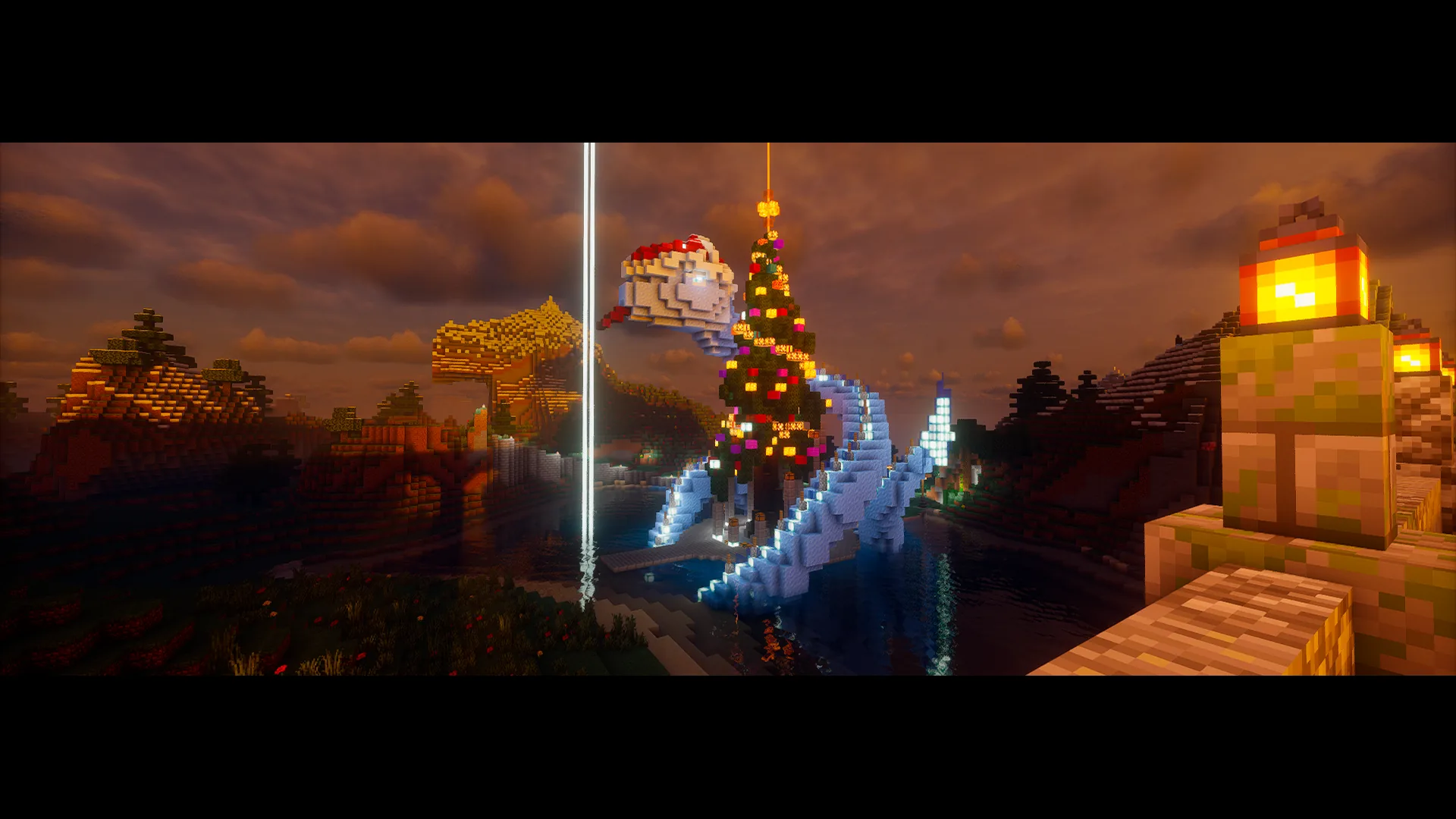
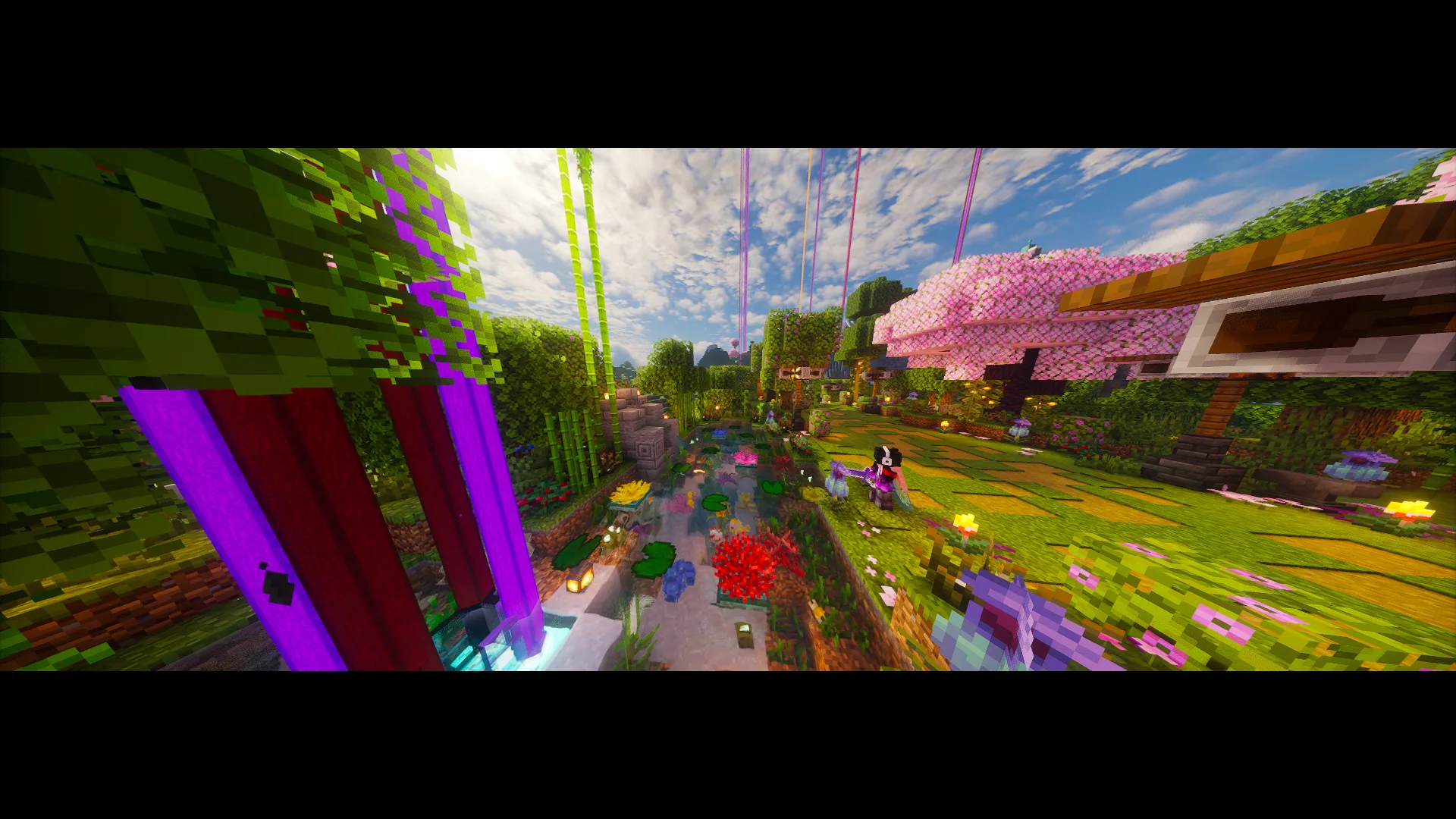
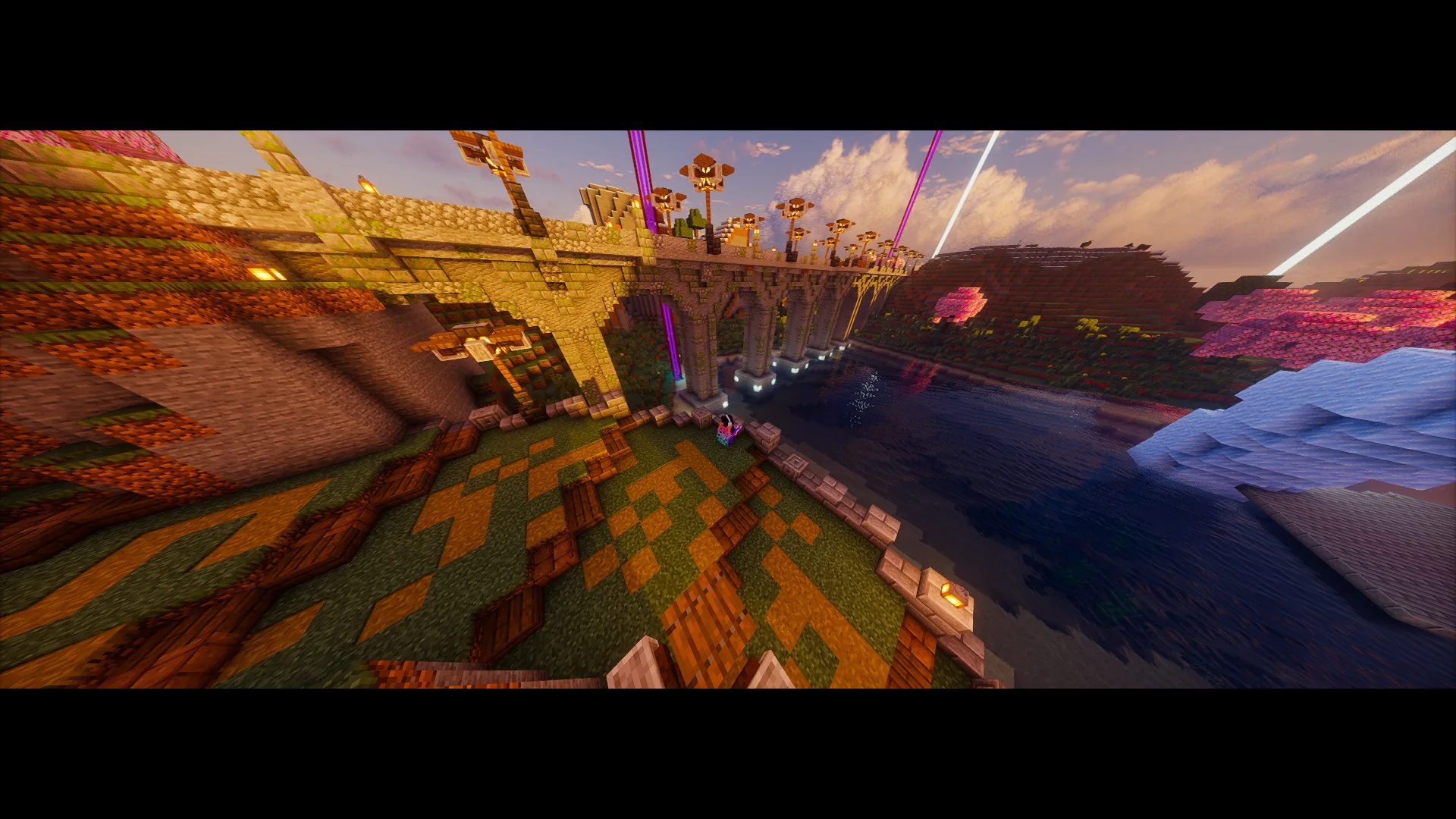
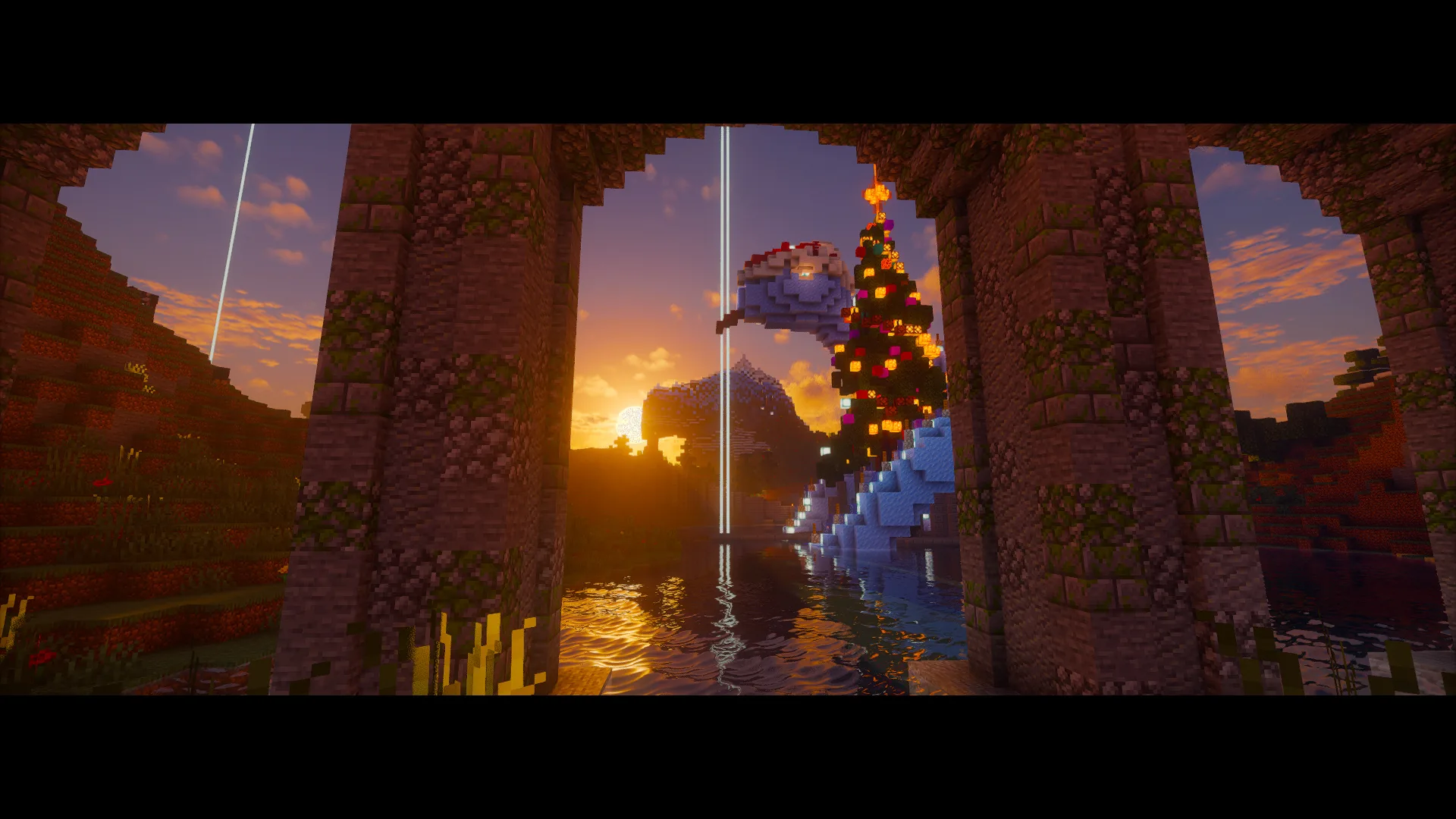
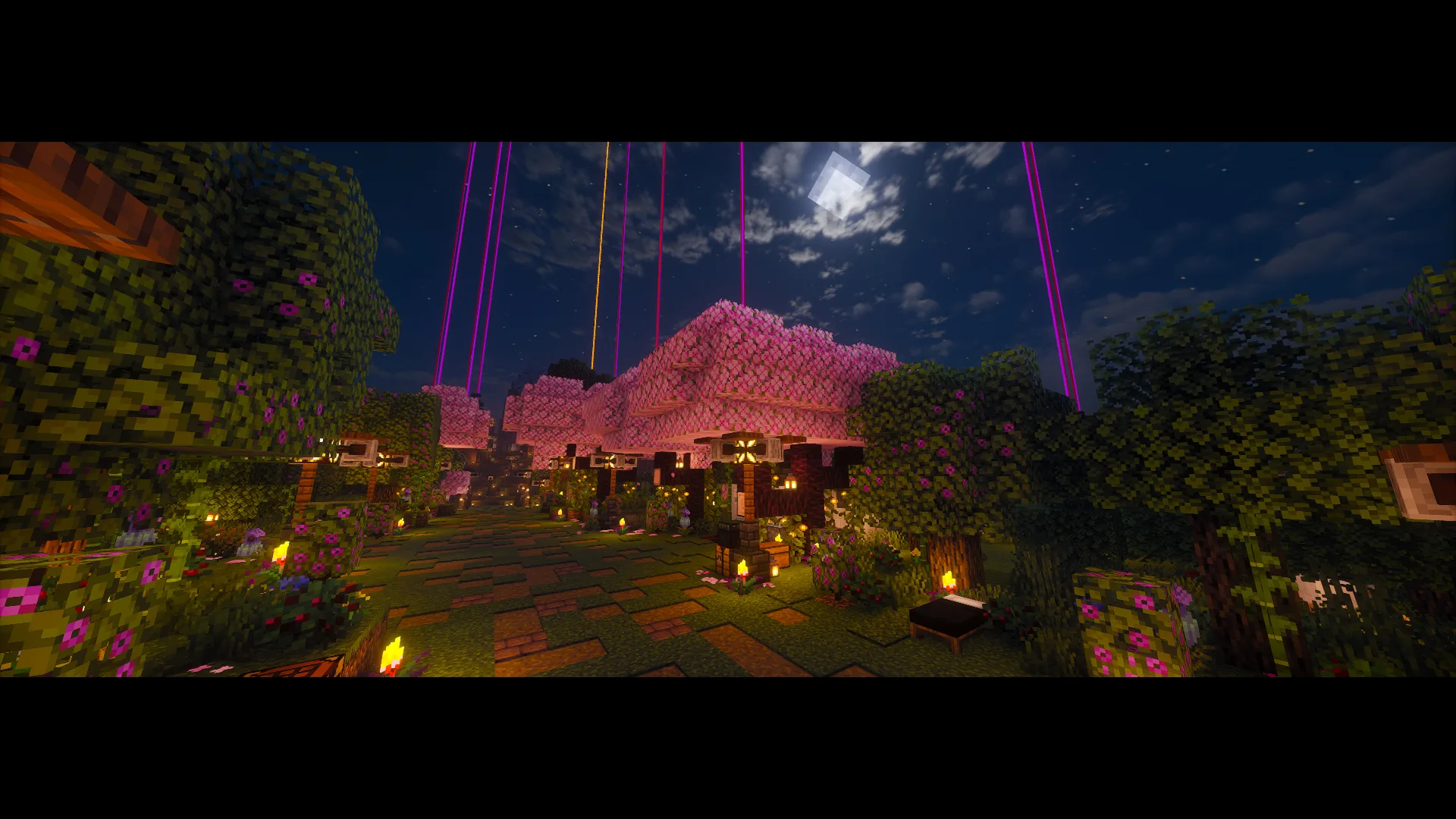
When you go AFK, the camera explores your surroundings. Choose when it starts and how you return to gameplay.

Your world, from another angle
Cinematics for idle moments, sleep and fishing. Set your camera and music, and enjoy your world from another angle.
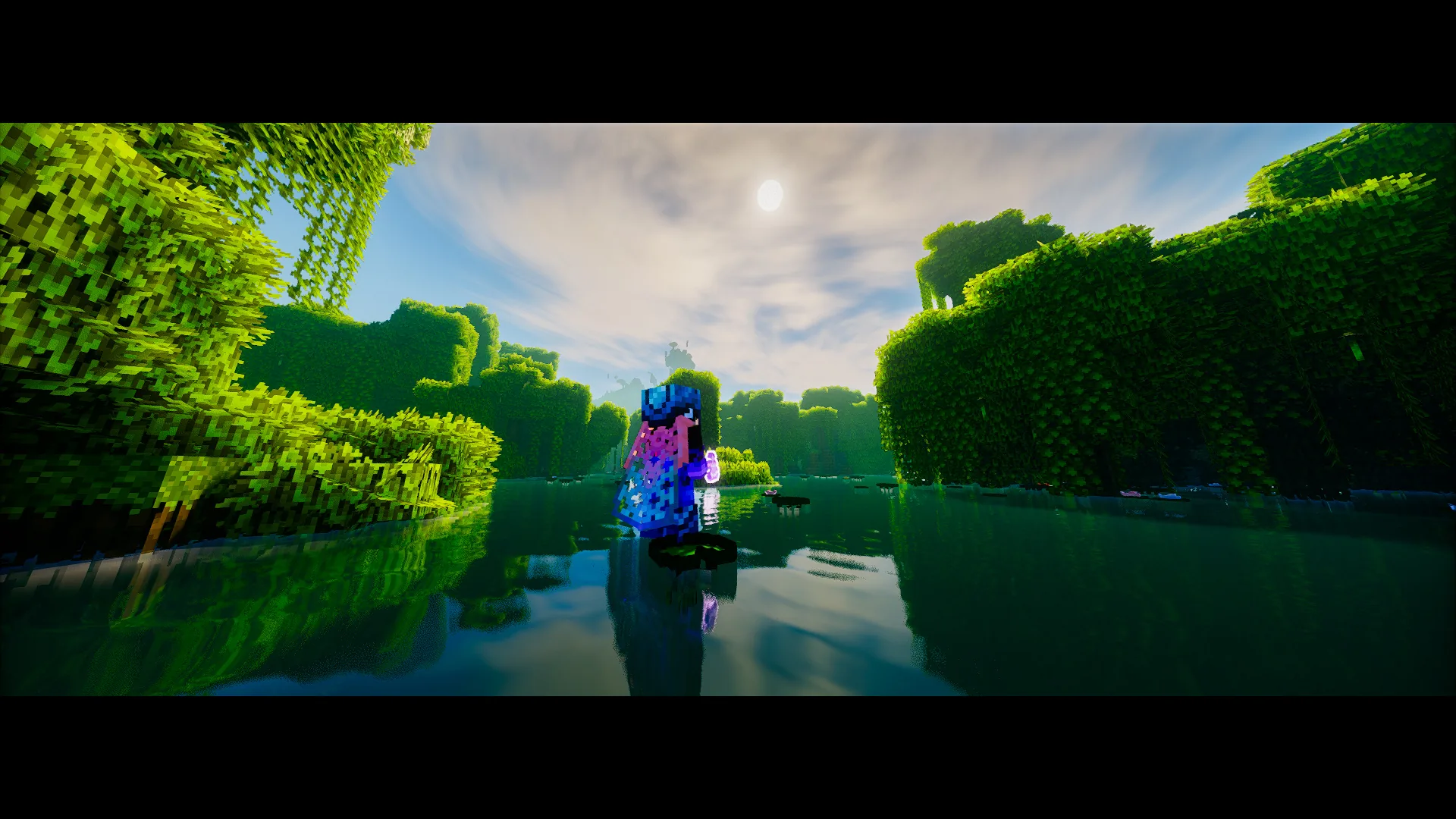
A MOMENT TO TAKE IT IN.
You have built a lot. Take a moment to see it from another angle.
JI AFK CINEMATIC SCREENSHOTFOUR WAYS TO ENJOY THE MOMENT
When you go AFK, the camera explores your surroundings. Choose when it starts and how you return to gameplay.
Add a cinematic to your time in bed. Adjust its transitions and music from the menu.
While you fish, enjoy the landscape with a camera and controls tailored to this mode.
Vanilla, Mixed or Custom music. You set the mood.
KEEP THE CAMERA ROLLING
EVERY PIECE IN ITS PLACE
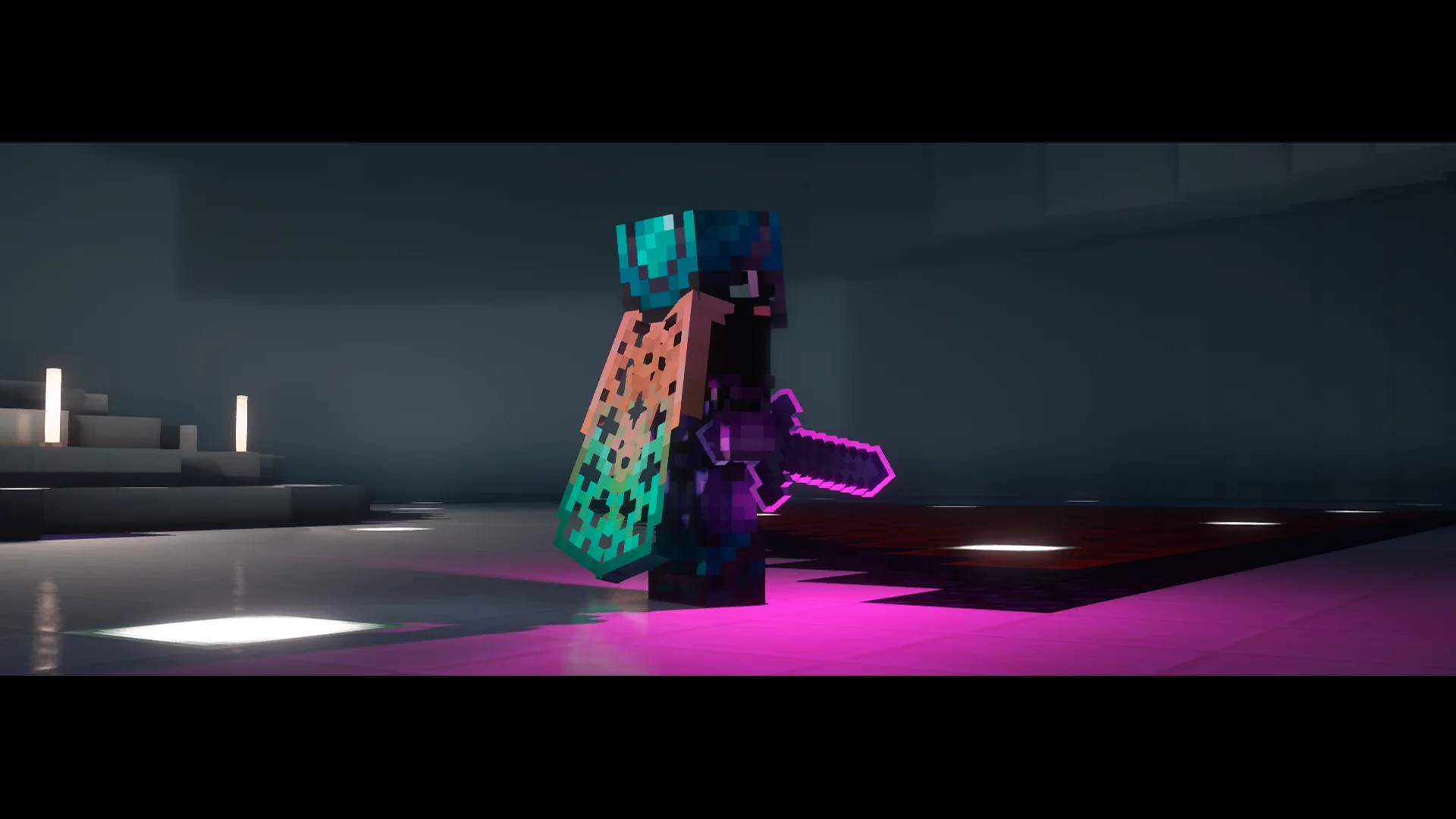
YOUR WORLD AT A DIFFERENT PACE
Your world deserves a pause, too. Choose a cinematic and let the landscape take the spotlight.
Discover how it works →CHOOSE YOUR PLATFORM AND CHECK AVAILABILITY
Minecraft 1.21.x / 26.x
Find the mod on your favorite platform.
Minecraft 1.21.x / 26.x
Find the mod on your favorite platform.
TRY WHAT COMES NEXT
Beta tests open for a limited time. Your feedback helps us prepare the official release.
View open testsInstall the mod, learn the controls and configure each mode to suit the way you play.
Read the guideFound a problem or have an idea? Let us know.
Visit support Join DiscordGet release and beta test notices.
Get updatesBEFORE YOU START
No. Ji AFK Cinematic runs on your Minecraft client. Install it in the instance you play from.
Use F7 + I to try it immediately, or let your AFK timer start it. Open settings with F7 + H.
Yes. Add Ogg Vorbis tracks to your music folder and select Mixed or Custom. View instructions →
On Modrinth or CurseForge. This website only hosts early access builds while their tests are open.